



SAP Joule for Developer
Joule as a copilot directly in your ABAP and CAP development: code suggestions, generated test classes, and explanations of legacy code in ABAP Development Tools and SAP Build Code. We activate the dev copilot in a structured way and define standards for how AI-generated code is handled in review.








What Is SAP Joule for Developer?
SAP Joule for Developer brings the AI assistant directly into the tools where SAP developers actually work – ABAP Development Tools (ADT), SAP Build Code, and Business Application Studio. Instead of answering questions in the Fiori Launchpad, Joule here helps write ABAP and CAP code, explain existing classes, and generate test cases – in the context of the respective repository.
This page doesn't cover building your own Joule Skills (that's what SAP Joule Studio is for) or curating the skill catalog for business departments, but rather the concrete, everyday use of Joule as a tool for developers – from activation in the development tools to team standards for handling AI-generated code.
Your Starting Point
What Costs Development Time
- Recurring CDS, RAP, and test-class boilerplate is written by hand every time
- Test classes get cut back or skipped entirely under time pressure
- New team members take a long time to get up to speed on a grown ABAP codebase
- Joule is activated for end users, but not in the development tools themselves
- No team standard for how AI-generated code is handled and flagged in review
- Code reviews keep surfacing the same avoidable patterns
What We Deliver
Joule Productive in Everyday Development
- Activating Joule in ABAP Development Tools, SAP Build Code, and Business Application Studio
- Team guideline for prompt usage, review, and flagging of AI-generated code
- Hands-on onboarding for your development team using real repositories
- Onboarding guide for new developers, with Joule as an explanation tool for legacy code
Scope of Services
What Joule for Developer Actually Does
From code completion to error analysis – the capabilities that actually change everyday development work.
Code Completion & Generation
Suggestions for ABAP, CDS, and CAP code directly in the editor, based on context and existing repository patterns.
Test Case Generation
Generating ABAP unit test classes based on the existing implementation, instead of writing tests completely by hand.
Code Explanation & Onboarding
Clear explanations of existing classes and function modules – speeds up onboarding into a grown ABAP codebase.
Refactoring Suggestions
Pointers to possible simplifications or modernizations of existing code, without automatically changing production logic.
CDS/RAP Artifact Scaffolding
Scaffolding for new CDS views and RAP business objects based on a brief description – a starting point instead of a blank file.
Error Analysis & Debugging Help
Runtime errors and dumps explained in plain language as a first starting point for troubleshooting.
Code Generation
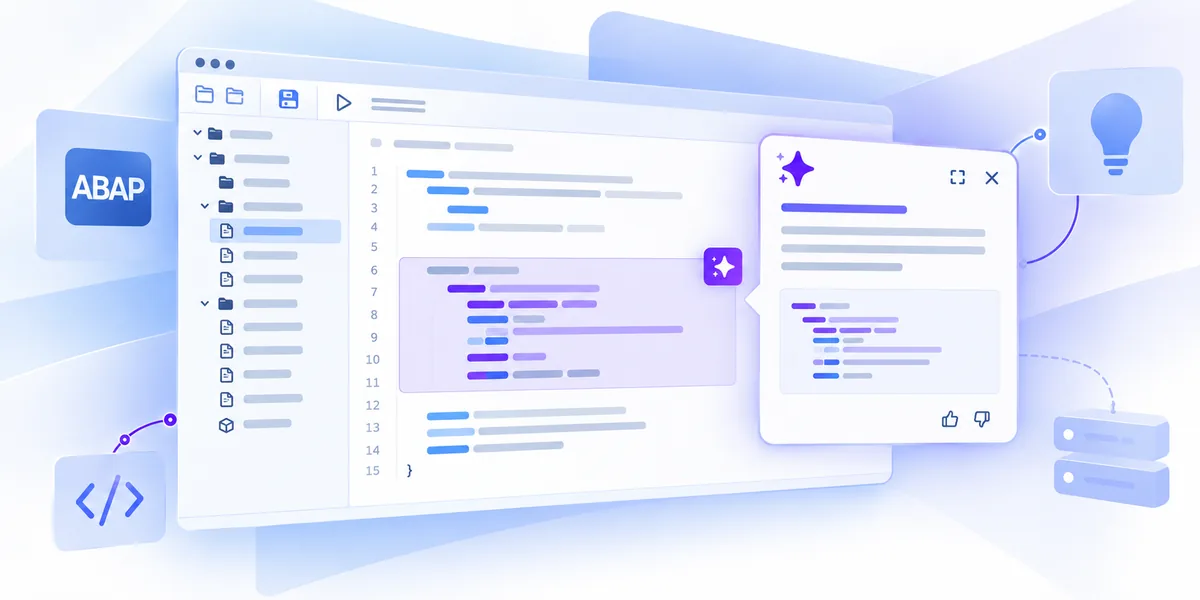
From a Blank Editor to a First Working Draft
In ABAP Development Tools and SAP Build Code, Joule suggests code based on a brief description or the surrounding context – from individual methods to entire CDS view scaffolds. The developer stays in control: suggestions are reviewed and adjusted, not adopted blindly.
- Context-aware suggestions based on the current repository and naming conventions
- Generating CDS view and RAP scaffolds from a brief functional description
- Suggestions remain suggestions – adoption and adjustment are up to the developer
- Consistent activation across ADT, SAP Build Code, and Business Application Studio
Test Cases
Test Classes That Actually Get Written
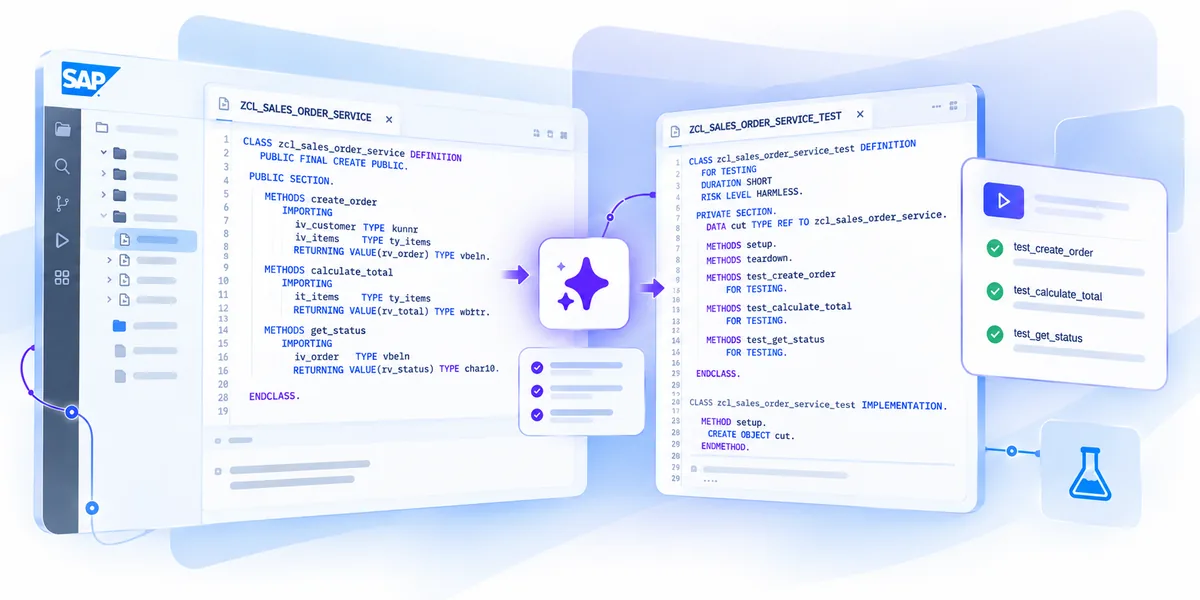
Under time pressure, unit tests are often the first thing to go. Joule generates a first draft of ABAP unit test classes, including relevant test cases, from an existing implementation – a starting point that gets reviewed and extended instead of written from scratch.
- Generating ABAP unit test classes from an existing method or class
- Test case suggestions including edge cases and error paths
- Team guideline for which generated tests must be reviewed before merging
- Higher test coverage without a proportional increase in development time
Onboarding
Understanding Grown Code Without Asking the Author
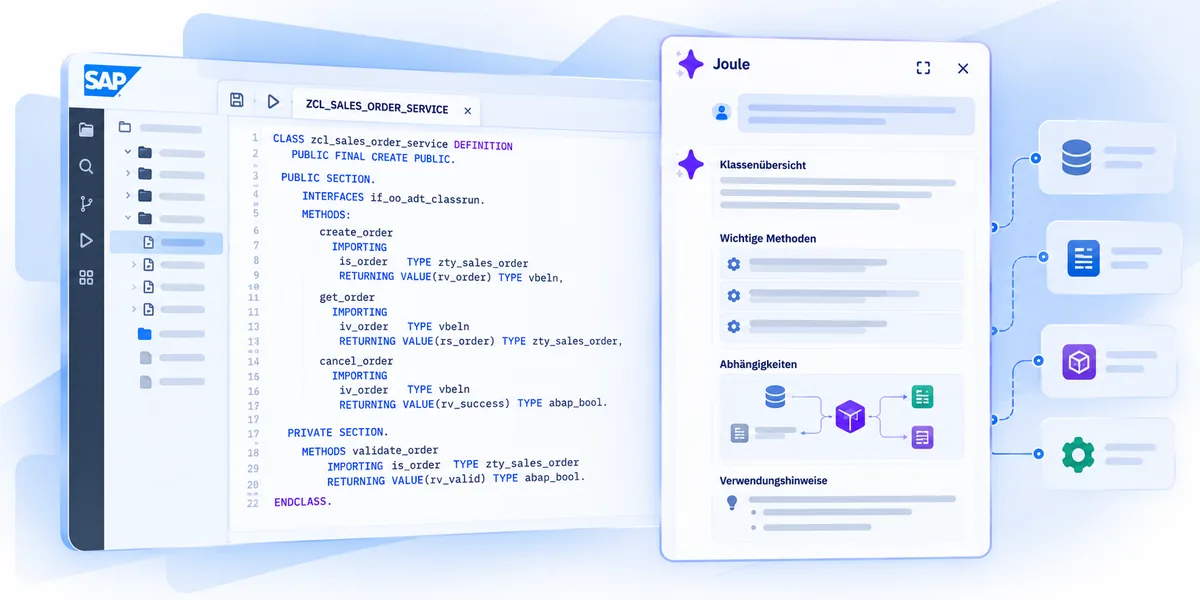
In SAP systems that have grown over many years, the original author of a piece of code is often no longer available. Joule explains existing ABAP classes, function modules, and CDS views in plain language – a practical tool for new team members and for getting up to speed on unfamiliar modules.
- Clear explanations of existing classes, methods, and CDS views on request
- Tracing dependencies and call chains in existing code
- Onboarding guide that makes Joule a fixed part of the ramp-up process
- Faster productive contribution from new developers on existing projects
Governance
What Every Team Should Clarify Before Going Live
AI-generated code doesn't need new rules – but existing rules must explicitly cover it.
Generated code goes through the same review process as manually written code.
Generated test classes are reviewed for content, not just checked for a green run.
Sensitive business logic is never adopted from Joule suggestions without review.
Existing naming and architecture conventions apply unchanged to generated code.
The team has a shared stance on when to reject Joule's suggestions.
New developers are deliberately introduced to Joule as a learning tool during onboarding.
Your Benefits
Why Joule for Developer Is Worth It
Less Boilerplate
Recurring CDS, RAP, and test-class patterns are suggested instead of retyped every time.
Higher Test Coverage
Generated test classes lower the barrier to actually writing unit tests.
Faster Onboarding
New developers understand grown code faster with Joule as an explanation tool.
Clear Governance
A binding team guideline instead of inconsistent handling of AI-generated code.
Faster Troubleshooting
Clear explanations of runtime errors as a starting point instead of guesswork.
SAP-Standard Compliant
Setup entirely within the SAP standard, without workarounds that block updates.
Rapid-Prototyping Approach
Hands-on onboarding on real repositories instead of pure training slides.
A Personal Point of Contact
An experienced team supports you from activation through to a lived team guideline.
News, real-world insights, and perspectives from our SAP experts. (German-language articles)




Frequently Asked Questions
FAQ: SAP Joule for Developer
The most important questions about code generation, governance, and scope.
Joule for Developer helps developers write ABAP and CAP code in the regular development tools. SAP Joule Studio is a separate tool for building new capabilities for Joule itself – custom skills that are then made available to end users in the Fiori Launchpad. Both use AI, but for different audiences and purposes.
Joule draws context from the current repository and from visible naming conventions, so it takes its cues from existing code. For deeper, company-specific customization beyond that, a targeted team guideline and consistent code review practice matter more than pure tool configuration.
No. Joule speeds up writing code and tests, but it doesn't replace functional and technical review by a second pair of eyes. We explicitly recommend subjecting generated code to the same review process as manually written code – no exception for "suggested by Joule."
No. Joule for Developer is SAP's ready-made integration into ABAP Development Tools and SAP Build Code – usable without any custom development. Building your own individual developer tools on the Generative AI Hub – such as specialized internal code generators – is a separate topic with its own setup effort.
Technically, you need appropriate SAP BTP licensing and current versions of ABAP Development Tools or SAP Build Code. Organizationally, it's essential that your team has a shared guideline for handling AI-generated code beforehand – we work this out together with you before activation.
Accelerate Your Development Team with Joule
Schedule a short initial consultation: we'll demonstrate Joule for Developer on your own repository and work out which team guideline makes sense for productive use.