



SAP Build Code
The pro-code development environment for SAP-native applications on SAP BTP – with AI assistance from Joule, ABAP Cloud, CAP, and Fiori Elements in one integrated workspace.








What is SAP Build Code?
SAP Build Code is the integrated pro-code development environment on the SAP Business Technology Platform. It's built on SAP Business Application Studio and brings together ABAP Cloud, CAP (Node.js/Java), and Fiori Elements in a single, browser-based workspace – enhanced by the Joule AI assistant, which supports developers directly in the editor.
For organizations moving to SAP S/4HANA Cloud, SAP Build Code is the central development channel: Clean Core-compliant, fully integrated into SAP BTP, and built on open standards like OData, RAP, and CDS – without proprietary dependencies.
Your starting point
What's on development teams' minds today
- Custom SAP extensions must be cloud-compatible and Clean Core-compliant
- Developers need one consistent IDE for ABAP, CAP, and Fiori – without toolchain sprawl
- AI-assisted development should boost productivity, not introduce new tools
- Keep existing custom code on the SAP standard and migrate it in a future-proof way
- Establish CI/CD and automated testing in the SAP environment too
- Onboard new developers quickly – without months of ramp-up time
What we deliver
SAP Build Code with SERKEM
- Setup and configuration of SAP Build Code in your BTP landscape
- Architecture guidance: which technology path (ABAP Cloud, CAP, Fiori) fits which use case
- Activating the Joule integration and building developer enablement
- Migrating existing custom ABAP code to the ABAP Cloud standard
- Setting up a CI/CD pipeline with SAP Build Code, gCTS, and Transport Management
- Coaching and workshops for your development teams
Capabilities
What SAP Build Code delivers
A complete development workspace for SAP-native applications – right in the browser, with no local installations.
Joule AI development
SAP's own AI assistant Joule is built directly into the editor. It generates ABAP code, suggests CAP service definitions, and explains existing code – context-aware and grounded in your SAP data model.
ABAP Cloud & RAP
Develop SAP S/4HANA extensions using the ABAP RESTful Application Programming Model (RAP) – fully cloud-compatible, on the ABAP standard, with no modifications to the SAP core.
CAP – Cloud Application Programming
Build business services in Node.js or Java with the SAP Cloud Application Programming Model. Open standards, simple database abstraction via CDS, and seamless BTP integration.
SAP Fiori Elements
Generate professional Fiori interfaces straight from OData annotations – no frontend development from scratch. Consistent SAP UX patterns, automatically responsive and accessible.
Testing & CI/CD
Built-in ABAP unit tests, CDS test doubles, and a direct connection to SAP Continuous Integration & Delivery enable professional development pipelines in the SAP environment too.
Dev spaces & collaboration
Every developer starts in an isolated dev space in the browser. No installations, no conflicts – the workspace comes pre-configured and up to date with every tool for ABAP, CAP, and Fiori.
Technology paths
Which development path fits your project?
SAP Build Code supports three complementary technologies. The right choice depends on the use case, your existing system landscape, and your team's know-how.
Path 01 · ABAP teams
ABAP Cloud
S/4HANA extensions on the Clean Core standard. Upgrade-stable, fully cloud-compatible, with no modification to the SAP core.
- S/4HANA Cloud-compatible extensions with no modification
- RAP: business objects, OData services, Fiori apps
- ABAP unit tests and TDD on the standard
- Use of released SAP APIs (release contracts)
When to choose this?
When you want to migrate existing ABAP extensions to Clean Core or develop new S/4HANA extensions in a cloud-compatible way.
Path 02 · New BTP apps
CAP
Cloud-native services in Node.js or Java outside the SAP core. Open standards, your own data model, multi-cloud capable.
- Side-by-side extensions outside the SAP core
- Custom business domains with their own data model
- Integration with SAP Event Mesh and Integration Suite
- Cloud Foundry or Kyma as the runtime environment
When to choose this?
When you're building new applications on BTP that use SAP data but shouldn't run inside the SAP core. Ideal for teams closer to citizen development.
Path 03 · Fast UIs
Fiori Elements
Generate professional SAP UX straight from OData annotations – no frontend coding from scratch, automatically responsive and accessible.
- List Report, Object Page, Worklist via annotation
- No frontend development from scratch required
- Automatically responsive, accessible, and SAP-compliant
- Combinable with ABAP Cloud (RAP) or CAP
When to choose this?
When you need professional SAP interfaces quickly and want to build on the SAP Fiori UX pattern, without UI5 development from scratch.
AI-assisted development
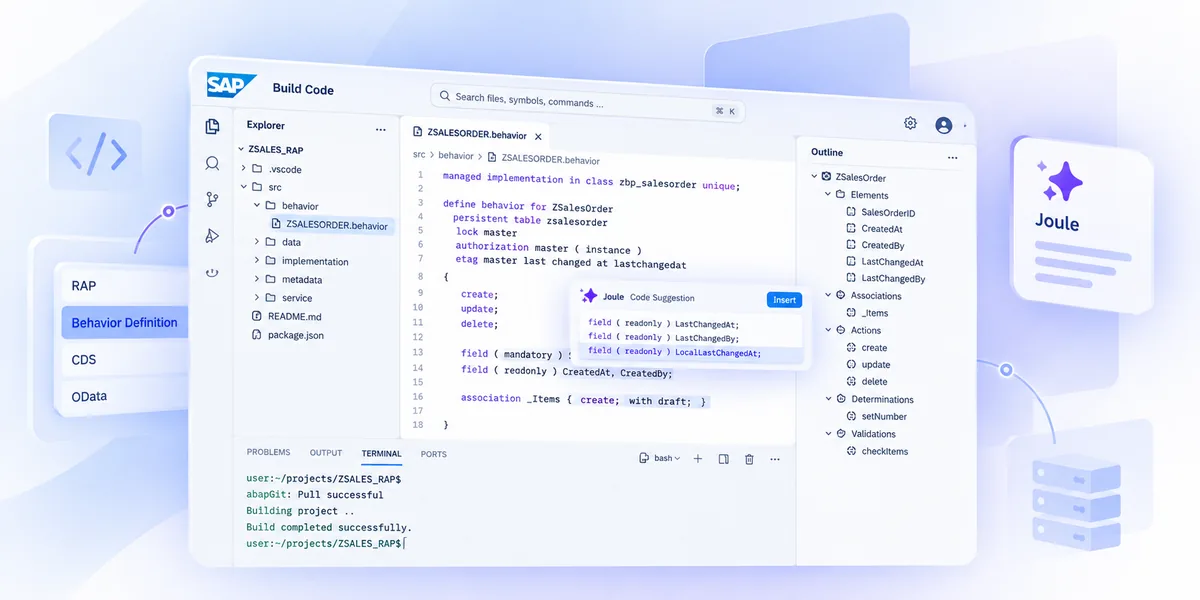
Joule writes along – right in the editor
Joule for Developers is SAP's AI assistant, built directly into SAP Build Code. It knows the SAP data model, understands ABAP syntax, and can generate complete RAP business objects or CAP service definitions from a natural-language description.
- ABAP code generation from natural-language descriptions
- Inline explanations and refactoring suggestions for existing code
- CDS view and OData annotation generation
- Unit test scaffolding generated automatically
- Context-aware: Joule knows your project and its dependencies
Cloud Application Programming
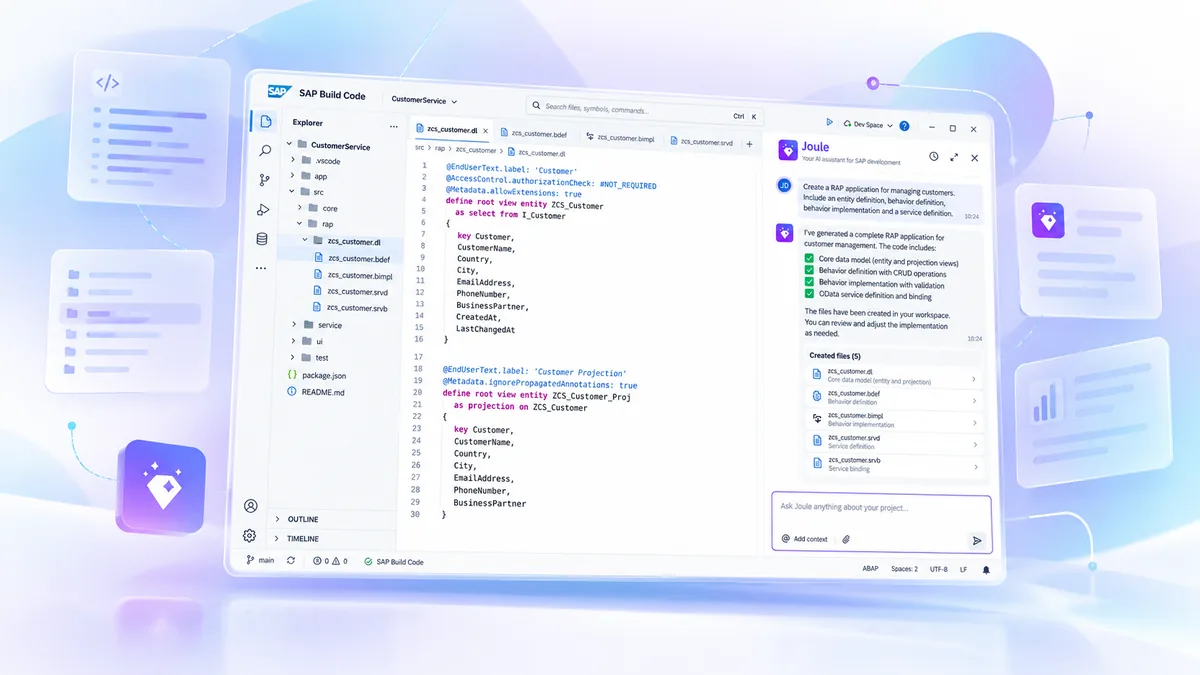
CAP projects – from CDS definition to deployment
SAP Build Code is the recommended IDE for CAP projects on SAP BTP. The built-in CDS language server offers syntax highlighting, code completion, and live validation – and the built-in tasks let you deploy CAP projects directly to BTP Cloud Foundry or Kyma.
- Edit the CDS data model visually and as text
- Local testing with cds serve right in the dev space
- Provision SAP HANA Cloud as your database with a click
- Build multi-tenant-capable CAP applications
ABAP Cloud & RAP
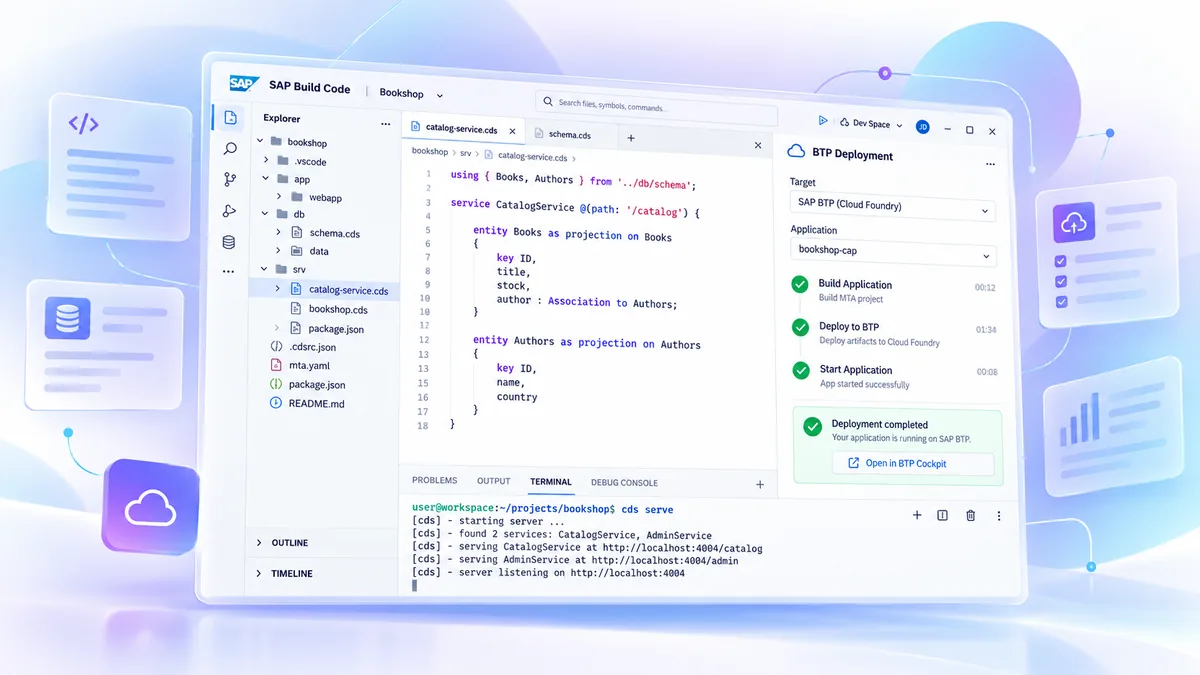
S/4HANA extensions on the Clean Core standard
With ABAP Cloud in SAP Build Code, you develop SAP S/4HANA extensions that are upgrade-stable and cloud-compatible. The ABAP RESTful Application Programming Model (RAP) defines the SAP standard for business object extensions – entirely in the browser, with no Eclipse or local ABAP tools required.
- ABAP development right in the browser, no Eclipse installation needed
- RAP business objects with automatic OData v4 exposure
- Create, test, and activate CDS views
- Write and run ABAP unit tests directly in the editor
Why SERKEM
SAP Build Code, implemented right
Pro-code means more freedom – but also more architecture decisions. We bring the SAP and BTP knowledge so the first sprint isn't also the last.
Architecture expertise
Together we assess which technology path – ABAP Cloud, CAP, or Fiori Elements – fits your specific project. With reasoning, not hype.
Clean Core experience
We've guided numerous customer projects that migrated legacy ABAP to the Clean Core standard – with minimal risk and a clear upgrade strategy.
Putting Joule to productive use
Many organizations have licensed Joule but aren't using it. We help with the technical setup, workflow integration, and team enablement.
From prototype to product
We support the entire development journey: architecture, coding, testing, CI/CD, deployment – all from one partner, through to production.
News, real-world insights, and perspectives from our SAP experts. (German-language articles)

APIs im Griff: API-Management der Integration Suite

PI/PO läuft 2027 aus: der Weg zur Integration Suite
Build Work Zone: Launchpad ablösen — oder besser nicht?
Eine Datengrundlage für alles: SAP Business Data Cloud

Apps bauen, ohne den Kern zu berühren: SAP Build
Frequently asked questions
FAQ on SAP Build Code
The most important questions on using, choosing a technology path for, and licensing SAP Build Code.
SAP Build Code is a service bundle on SAP BTP that includes Business Application Studio as its development environment and additionally bundles Joule, CI/CD services, SAP HANA Cloud, and BTP runtimes. Business Application Studio is the actual IDE behind it – SAP Build Code is the broader offering with everything you need for the full development lifecycle.
Yes, in principle you can do ABAP development for on-premise S/4HANA systems via an ABAP connection from the dev space. However, the full ABAP Cloud feature set (release contracts, Clean Core) requires S/4HANA Cloud, or at minimum S/4HANA 2022+ on-premise.
No – SAP Build Code supports ABAP as well as Node.js and Java. If your team is strong in JavaScript/TypeScript, CAP with Node.js is an excellent starting point without any ABAP background. ABAP Cloud becomes relevant once you want to develop SAP S/4HANA extensions on the Clean Core standard. Joule helps flatten the learning curve either way.
SAP Build Code is available through SAP BTP and is licensed per user or capacity unit. Certain BTP contracts include a free tier. The exact licensing cost depends on your BTP contract, user count, and the BTP services you need. We're happy to help estimate costs as part of a free consultation.
We start with an architecture assessment: analyzing your system landscape, evaluating the use case, and recommending a technology path. Next comes setup and configuration of SAP Build Code, an onboarding workshop for the team, and – depending on scope – joint development of the first application or migration of existing custom code.
These three services make up the SAP Build platform: SAP Build Apps for low-code/no-code development, SAP Build Code for professional pro-code development (ABAP, CAP, Fiori), and SAP Build Work Zone as the launchpad framework for all apps built with them. The services are complementary – apps from all three tools can be delivered through SAP Build Work Zone.
Your first productive application in your BTP landscape
We guide you from the architecture assessment through setup and Joule activation to your first productive ABAP Cloud, CAP, or Fiori application – with real SAP know-how on the team.